Tag: how to take 3D photos with your iphone
The recent iOS 26 update has brought with it a new feature to iPhone Photos which allows any photo to be converted to a 'spatial scene', described as a dynamic three-dimensional picture. This post includes step-by-step guides to creating your own and setting one as Wallpaper.
The latest i3DMovieMaker update has enabled the Looking Glass Go to display stereoscopic (3-D) and Spatial photos and videos with compatible iPhones. Here's a step-by-step guide to show you how!
How to start using the iPhone 15 Pro, 15 Pro Max or iPhone 16s or 17s (except 16e and Air) as stereoscopic cameras, with some examples of unedited videos and photos captured directly from one to show the quality of the stereoscopic depth and camera lenses.
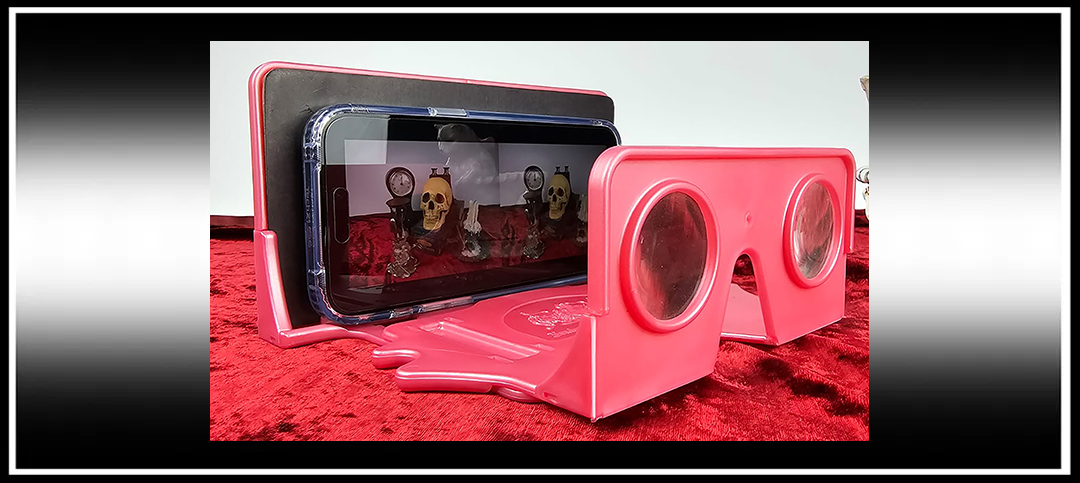
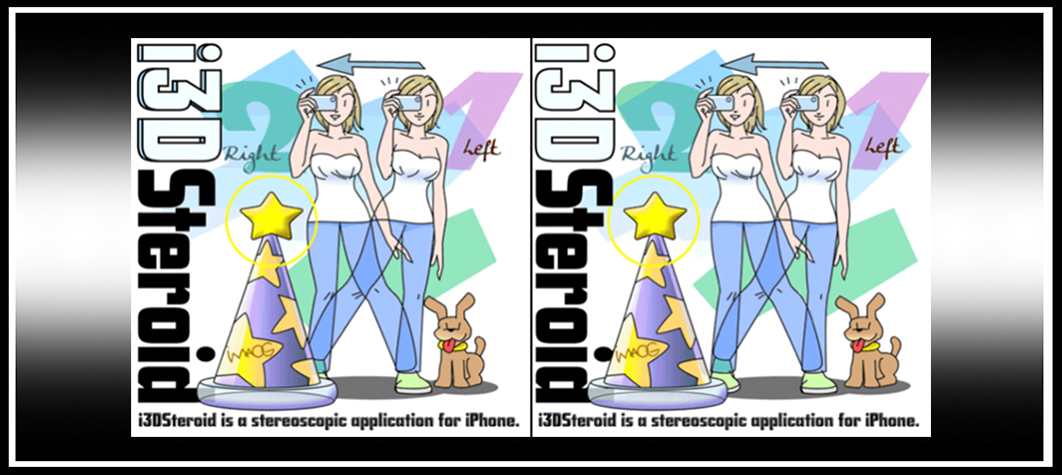
You don’t need expensive cameras or software to make your own stereoscopic 3-D images. It’s relatively easy and there’s currently a real buzz on social media with people making their own stereoviews with smartphones and sharing them, especially on Instagram, so this tutorial will be keeping this in mind.


 The Stereoscopy Blog